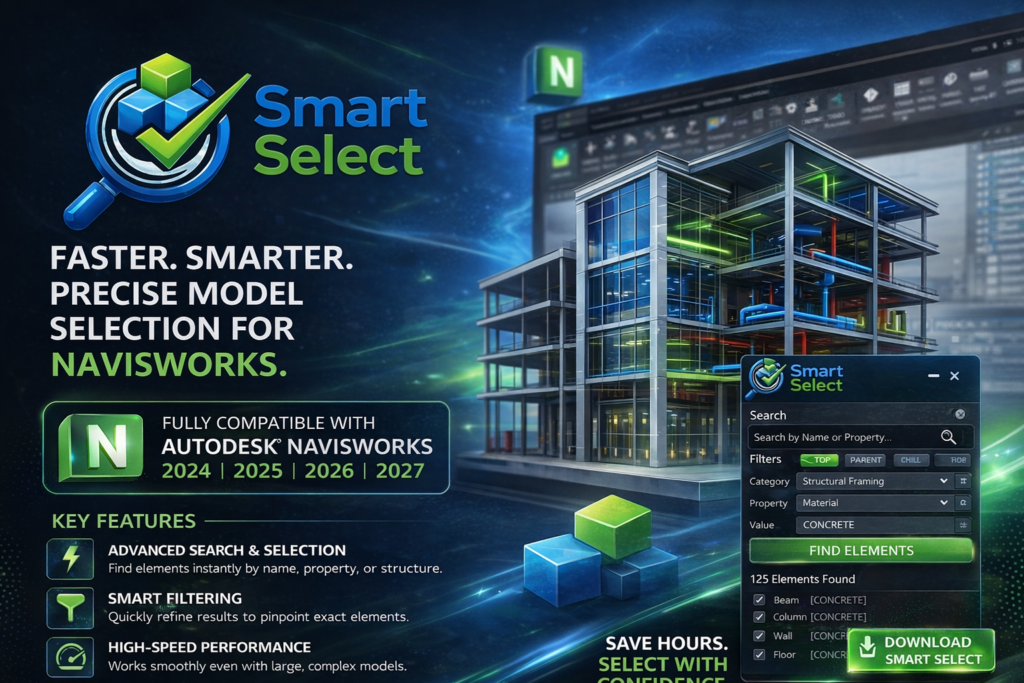
Smart Select for Autodesk Navisworks Smart Select is a powerful Navisworks plugin designed to simplify how you search, filter, and select model elements.Instead of manually navigating complex models, Smart Select allows you to locate elements instantly – saving time and improving accuracy. Download 10 Days Trail Request License Use Cases of Smart Select BIM model navigationClash detection workflowsLarge project analysisEngineering auditsData extraction tasks Benefits Save hours of manual workReduce human errorImprove workflow speedHandle complex models easilyIncrease productivity How to Use Open Smart Select inside NavisworksEnter search criteriaView matching elements instantlySelect and apply actions Know More Have any questions regarding Smart Select? Contact us